For years, Amazon tablets have occupied an unusual position in the technology market. They were affordable, capable, and popular among casual users, but few people seriously compared them to an iPad. If you wanted a premium tablet experience, Amazon simply wasn’t part of the conversation.
That may be about to change.
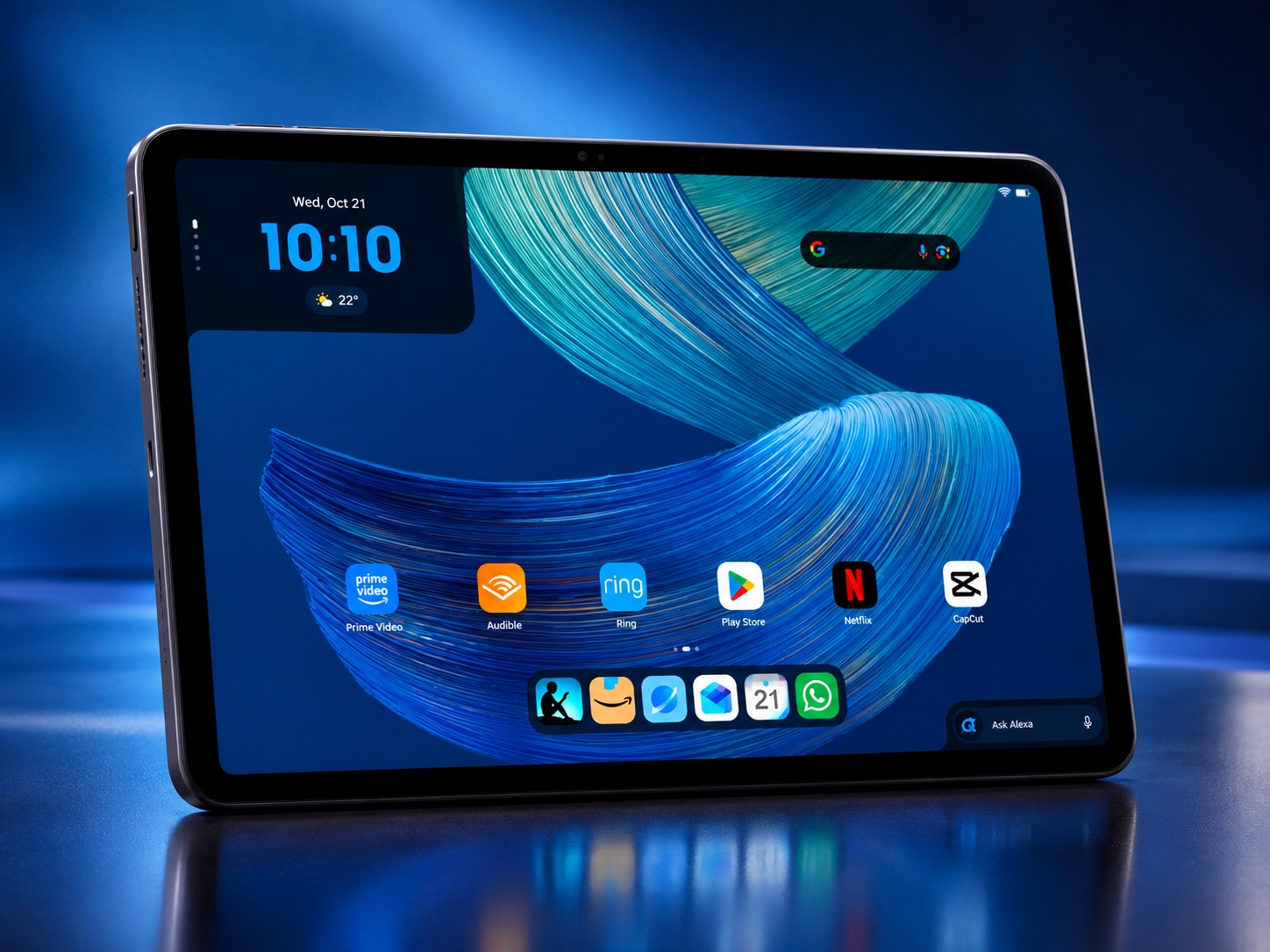
With the launch of the Amazon Alexa Tablet 12 Pro, Amazon has done more than release a new device. It has completely reimagined what an Amazon tablet can be. The company has abandoned many of the compromises that defined earlier generations and introduced a premium tablet designed for work, entertainment, creativity, and AI-powered productivity.
The result is a device that could become one of the most disruptive tablet launches of the year.
All-new Amazon Alexa Tablet 12 Pro, 8GB RAM, 128GB, 12″ stunning 2.8K display, All-day battery, With Google Play,...
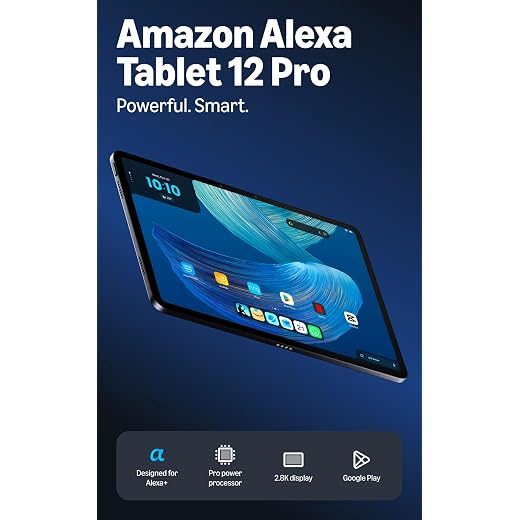
- 8-core chip, 8 GB RAM and up to 16 hours of battery life.
- 2.8K display with a 120 Hz refresh rate and 3:2 aspect ratio.
- Quad speakers with Dolby Atmos and Wi-Fi 6E.
- Thin, light and durable aluminium unibody design.
- Access to over a million apps through Google Play.
- Alexa+ with personalised intelligence and smart-home integration.
- Optional Pro Pen and Pro Keyboard accessories.
Key Features of the Amazon Alexa Tablet 12 Pro
The Alexa Tablet 12 Pro introduces several features designed to position it as a serious competitor in the premium tablet market:
- 12-inch high-resolution display with a 120Hz refresh rate
- Optional Nanomatte anti-glare display for improved reading and outdoor visibility
- Full Android experience with Google Play Store access
- Alexa+ AI assistant deeply integrated throughout the system
- Premium aluminum unibody construction
- MediaTek Dimensity 8400 processor
- Up to 16GB RAM
- Wi-Fi 6E connectivity
- Quad speakers with Dolby Atmos audio
- Optional Pro Keyboard for laptop-style productivity
- Optional Pro Pen for note-taking and creative work
- Up to 16 hours of battery life
- Dedicated Kindle reading mode with reduced distractions and blue light exposure
Pros and Cons
Pros
- Full access to the Google Play Store, eliminating one of the biggest limitations of previous Amazon tablets
- Premium design that feels significantly more expensive than its starting price
- Smooth 120Hz display ideal for productivity and entertainment
- Advanced Alexa+ integration brings useful AI-powered assistance
- Productivity accessories make it suitable for students and professionals
- Competitive pricing compared to many premium tablet alternatives
- Excellent reading experience, especially with the optional Nanomatte display
Cons
- Keyboard and stylus are sold separately, increasing the overall cost
- App optimization may not yet match the maturity of the iPad ecosystem
- Heavy Alexa integration may not appeal to users who prefer Google Assistant or other AI platforms
- Long-term software update policies remain unclear compared to Apple and Samsung
- Premium Android tablets still face strong competition from established brands in the productivity space
Amazon Finally Embraces the Android Experience
The biggest surprise isn’t the hardware. It’s the software.
For more than a decade, Amazon’s tablet ecosystem revolved around Fire OS and Amazon’s own app store. While that approach helped Amazon build a unique ecosystem, it also limited access to many of the apps people use every day.
The Alexa Tablet 12 Pro changes that equation completely.
Amazon has moved to a full Android experience with access to the Google Play Store, giving users direct access to millions of applications. Popular services such as Google Docs, Gmail, YouTube, Netflix, Microsoft 365, Slack, and countless productivity tools are now available without the workarounds that older Amazon tablet owners often relied upon.
For many consumers, this single decision removes the largest barrier that previously prevented Amazon tablets from competing with mainstream alternatives.
A Tablet That Looks and Feels Premium
The Alexa Tablet 12 Pro doesn’t resemble the budget-focused Fire tablets that helped build Amazon’s tablet reputation.
Amazon has adopted a sleek aluminum construction and a significantly more refined design language. The device is slim, lightweight, and clearly intended to appeal to users who expect their tablet to serve as both an entertainment hub and a productivity companion.
This is not a tablet built solely for streaming videos or browsing social media. It is designed for professionals reviewing documents, students taking notes, creators sketching ideas, and remote workers managing daily tasks.
In many ways, the Alexa Tablet 12 Pro represents Amazon’s most serious attempt yet to move beyond the budget category.
The Screen Could Be the Real Star
Amazon’s leadership has repeatedly emphasized the display as a central focus of the new device, and it’s easy to understand why. The tablet features a 12-inch display with a 120Hz refresh rate and a productivity-friendly 3:2 aspect ratio. According to Amazon, considerable effort went into creating a screen experience that feels premium without pushing the price into flagship territory.
Perhaps the most intriguing option is the new Nanomatte display variant. Unlike conventional glossy screens that can become difficult to use under bright lighting, the anti-glare finish is designed to improve readability and reduce reflections.
At a time when many people spend hours reading reports, studying online materials, or consuming digital publications, this feature may prove more important than headline performance numbers.
Alexa Gets Smarter and More Useful
Artificial intelligence has become the battleground for virtually every major technology company, and Amazon is making Alexa a central part of its strategy.
The Alexa Tablet 12 Pro integrates Alexa+ directly into the user experience. Instead of acting as a simple voice assistant, Alexa can understand information displayed on the screen and help users perform tasks more efficiently. Whether organizing appointments, extracting useful information, or assisting with daily workflows, Amazon is positioning Alexa as an intelligent digital companion rather than merely a voice-controlled tool.
For users who increasingly rely on AI to streamline everyday activities, this deeper integration could become one of the tablet’s most compelling advantages.
Why the Alexa Tablet 12 Pro Matters
The significance of this launch goes beyond the product itself.
The tablet market has become increasingly predictable over the past few years, largely dominated by Apple’s iPad lineup at the premium end and a collection of Android manufacturers competing for the remaining market. Amazon’s new strategy introduces a fresh competitor with a different value proposition: premium hardware, modern AI capabilities, Google Play access, and a more accessible price point.
At a starting price of around £449, the Alexa Tablet 12 Pro enters the market as a potential alternative for buyers who admire Apple’s hardware but hesitate at premium pricing.
That combination alone is likely to attract significant attention.
Final Verdict
The Amazon Alexa Tablet 12 Pro isn’t simply an upgraded Fire tablet. It represents a complete shift in Amazon’s tablet philosophy.
By embracing Android, opening access to the Google Play ecosystem, introducing premium hardware, and placing AI at the centre of the experience, Amazon has finally created a device that deserves comparison with industry leaders rather than budget alternatives.
If Amazon delivers on its promises, the Alexa Tablet 12 Pro could become one of the best-value premium tablets of 2026 and the first Amazon tablet that professionals, students, creators, and power users should seriously consider.
Frequently Asked Questions (FAQs) About the Alexa Tablet 12 Pro
What makes the Alexa Tablet 12 Pro different from previous Amazon tablets?
The Alexa Tablet 12 Pro is Amazon’s first premium tablet built around a full Android experience with Google Play Store access. Unlike previous Fire tablets, users can download millions of Android apps directly, making the device suitable for productivity, entertainment, and professional use.
Does the Alexa Tablet 12 Pro support Google Play Store apps?
Yes. One of the biggest upgrades is full access to the Google Play Store. This allows users to install popular apps such as YouTube, Gmail, Google Docs, Microsoft 365, Netflix, Zoom, Slack, and thousands of other Android applications.
Can the Alexa Tablet 12 Pro replace a laptop?
For many users, it can. With support for the optional Pro Keyboard, Pro Pen, multitasking capabilities, and productivity apps, the Alexa Tablet 12 Pro is designed to handle note-taking, document editing, web browsing, video conferencing, and other everyday work tasks. However, professionals with demanding software requirements may still prefer a dedicated laptop.
What is Alexa+ and how does it improve the tablet experience?
Alexa+ is Amazon’s next-generation AI assistant that is deeply integrated into the tablet. It can understand on-screen content, help organize schedules, create reminders, answer questions, control smart home devices, and assist with productivity tasks through natural conversations.
Is the Alexa Tablet 12 Pro a good alternative to the iPad Air?
The Alexa Tablet 12 Pro aims to be a compelling alternative for users who want premium design, strong performance, AI-powered features, and full Android flexibility at a lower price point. While Apple’s ecosystem remains a major advantage for iPhone and Mac users, the Alexa Tablet 12 Pro offers excellent value for buyers looking for a premium Android tablet experience.